
Lucky Star Aviator App – Download Mobile App (APK) for Android & iOS
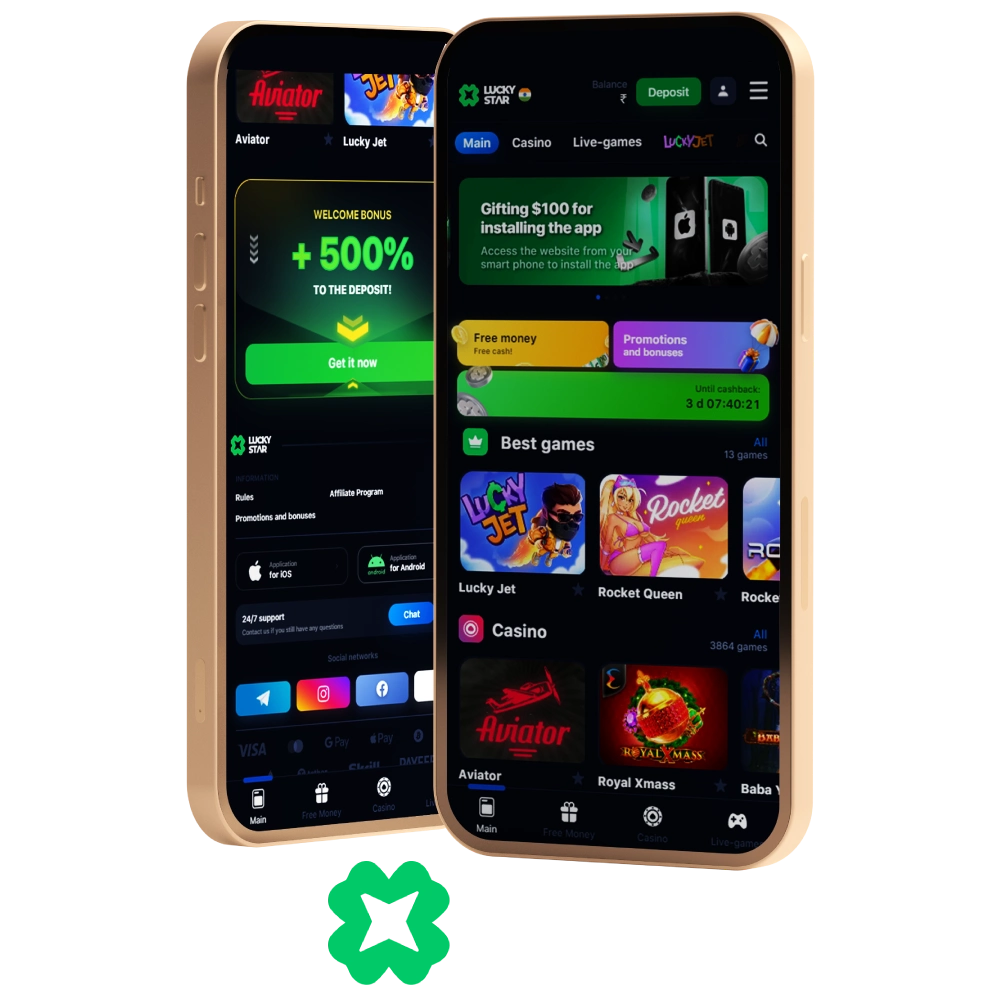
More than half of all Lucky Star customers play using a smartphone. Especially for this category of players a mobile application has been developed, which you can download on Android and iOS. Lucky Star App is your go-to platform for online casino games, including the popular Aviator game, now available for Android (APK) and iOS users.In the application you will have access to a full range of gambling games, payment systems, as well as a full bonus program. Including the first deposits you can get a 500% welcome bonus up to 30,000 INR.
Information About the Lucky Star App
The app for Android and iOS fully replicates the functionality of the official site. It offers over 9,000 games, including slots, roulette, poker, baccarat, blackjack, lotteries, and live dealer titles. Players can also access bonuses, tournaments, deposits, withdrawals, and customer support.
| Application Version | 1.3 |
| APK Filesize | 10 Mb |
| Installed Client Size | 50 Mb |
| Download Price | Free |
| Supported Operating Systems | Android, iOS |
| Available for Countries | India, Canada, Australia, Brasil, Pakistan, Bangladesh, Indonesia etc |
| Access to Live Broadcasting | After registration |
| Access to Sports Betting | No |
The Lucky Star mobile operates under the official Curacao license, just like the website. Players can safely enjoy betting thanks to a multi-level data encryption system that protects against leaks and hacking attempts.
The app is perfectly optimized for smartphones, offering fast navigation, smooth graphics, and instant notifications. With the Lucky Star Aviator download, you get a stable, user-friendly experience on most devices.
Features of the Lucky Star Aviator App
The Lucky Star game by Aviator offers simple gameplay, yet it features a wealth of unique features. Take a look at them below:
- The option to place two bets in a single round;
- Auto-bet and auto-cash-out functions;
- A results section showing other players’ wins;
- The ability to view other players’ bets for the current round.
All in all, the Lucky Star Aviator app offers a classic crash game experience, but the additional features make the player’s gambling experience more interesting.
How to Download Aviator Lucky Star App?
To play the latest version of Lucky Star application, you can download the software on the official website. Use only official sources and do not trust dubious sites. This way you will avoid the risks of infecting your device with viruses and malware. Below step-by-step instructions have been prepared for you on how to safely download and install the application for different operating systems. You can also use this method to download and install the Lucky Star Aviator app on your device for free.
Android APK
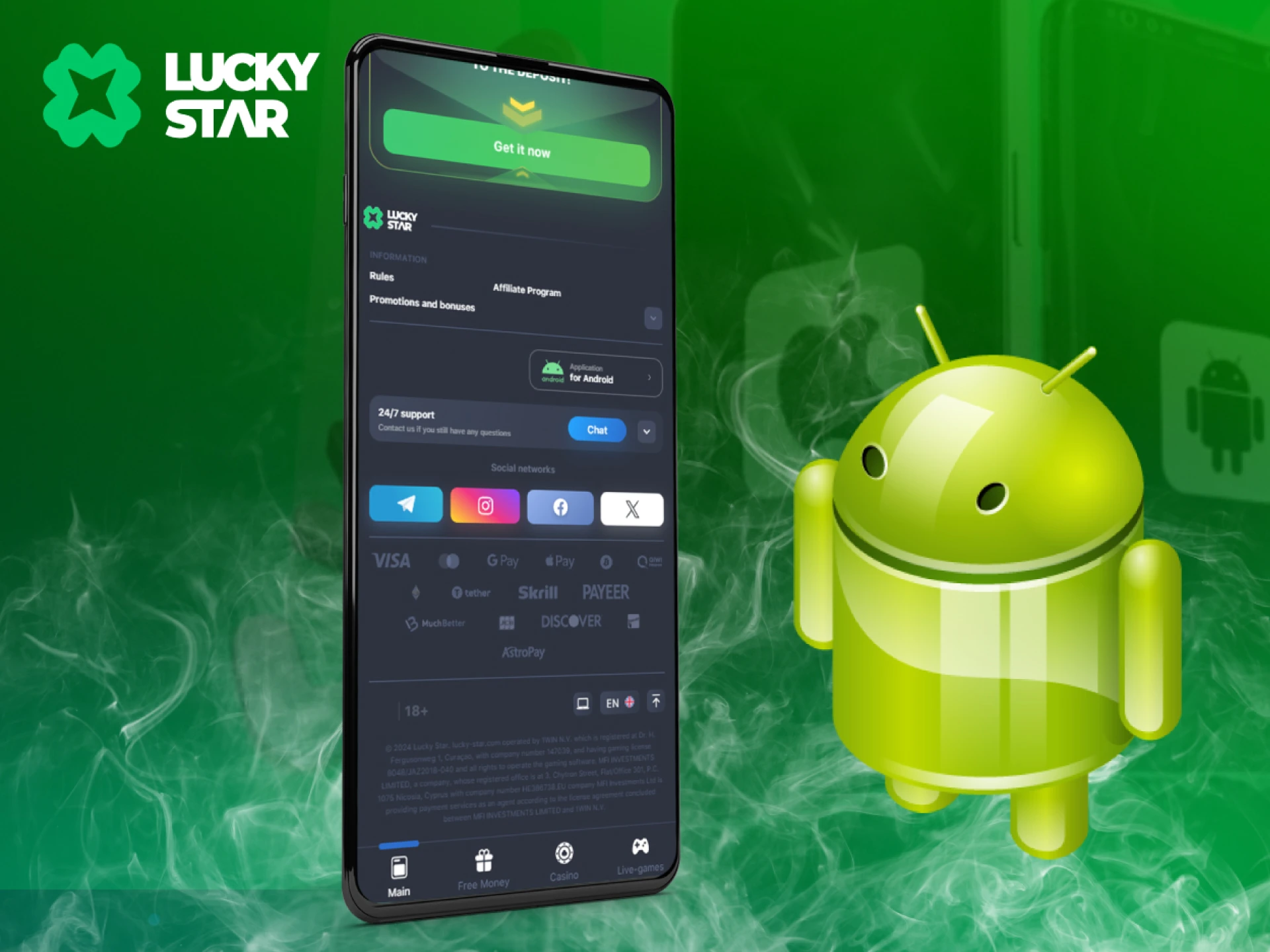
The Lucky Star app for Android offers the same features as the website, with additional options like pop-up notifications for news and bonuses.
- Open the Lucky Star website on your smartphone and go to the mobile app page.
- Click the install button and confirm the download if required.
- In your phone settings, allow installation from unknown sources.
- Run the downloaded APK file and confirm installation.
After installation, the app icon will appear on your smartphone. Launch it to access all games, including Aviator.
System Requirements
Before installing the Lucky Star casino app on Android, you need to check if the specifications of your smartphone meet the minimum requirements.
| Android Version | 5.0 |
| RAM | 1 Gb |
| Free Space | 50 Mb |
If you have an underpowered device, the application may experience crashes and errors. In this case, its stable operation cannot be guaranteed. If necessary, you can play in the web version. All you need is a browser and an internet connection.
Supported Devices
The Lucky Star App is designed to run properly on both Android and iOS, ensuring that Aviator works without delays or crashes. Below you can find the list of officially supported devices that guarantee the best performance.
| Device Type | Supported Models |
| iPhone | iPhone X and later (including SE 2020, SE 2022, 12, 13, 14, 15, 16, iPhone 17 series) |
| iPad | iPad Pro (all models), iPad Air (3rd gen and later), iPad (7th gen and later), iPad Mini (5th gen and later) |
| iPod Touch | iPod Touch (7th generation) |
| Android Phone | Devices running Android 8.0 (Oreo) and later; recommended RAM 3GB+; examples: Samsung Galaxy S9 and later, Google Pixel 3 and later, OnePlus 6 and later |
| Android Tablet | Devices running Android 8.0 (Oreo) and later; recommended RAM 3GB+; examples: Samsung Galaxy Tab S5 and later, Lenovo Tab P11 and later |
iOS App
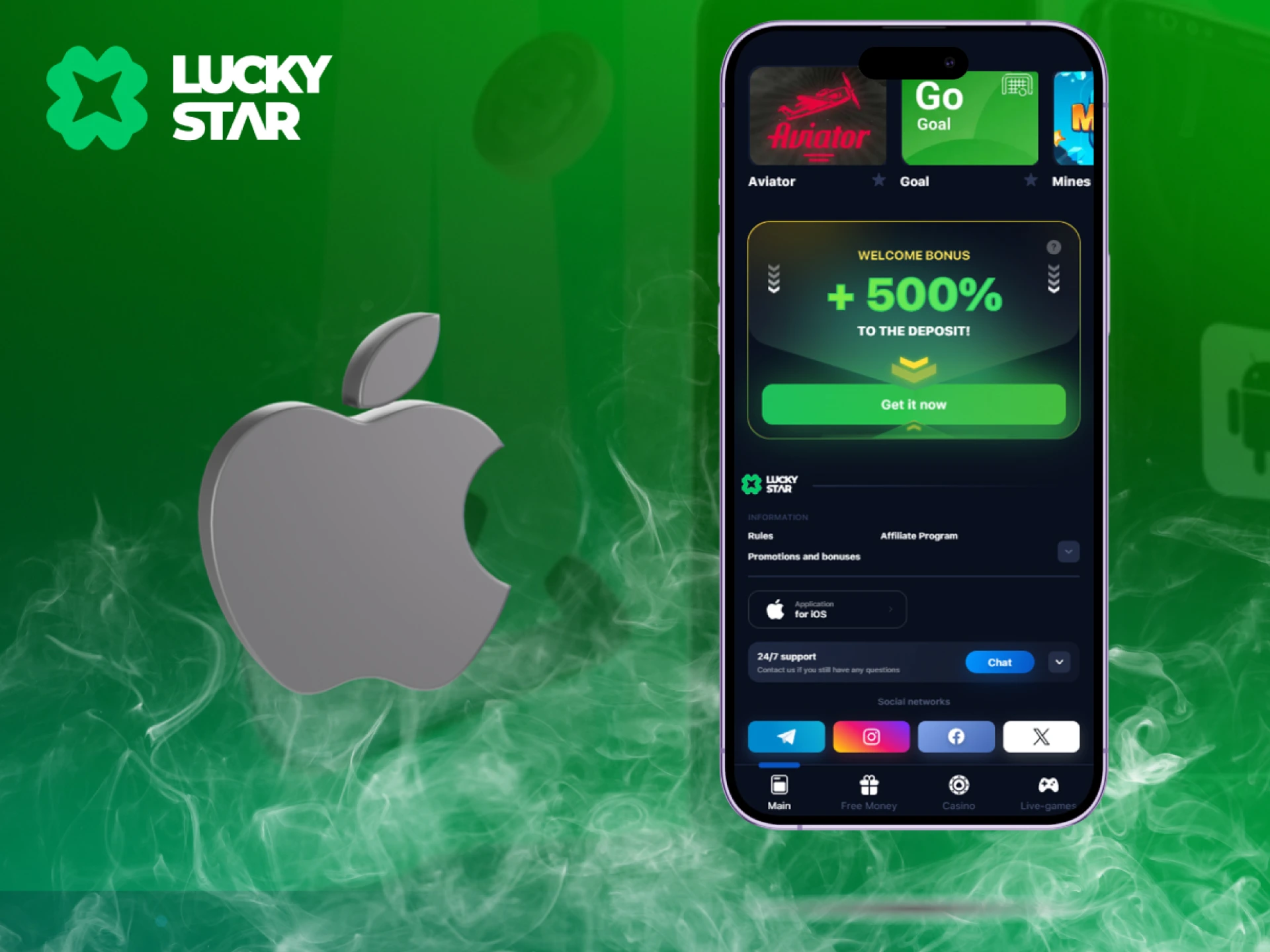
A separate version of the Lucky Star betting app has been developed for Apple smartphones and tablets. If you use an iPhone or iPad, you can use them to play all kinds of games. To do this, you need to:
- Through the browser on your mobile device, go to the official website to the Lucky Star mobile app page for iOS.
- Click on the button to register and fill out the form to create an account.
- Sign in to your account and start betting, or click to install the app and follow the instructions.
In the mobile version of Lucky Star for iOS you will have access to thousands of slot machines and other gambling games, bonuses, all payment systems and other features.
System Requirements
Good optimization of the Lucky Star app for iOS allows you to play it on most iPhone and iPad models. But before installing the software, still check if your device meets the recommended requirements.
| iOS Version | 8.0 |
| RAM | 1 Gb |
| Free Space | 50 Mb |
If you have an older model of smartphone or tablet, you can bet in the web version. It is available in your browser and has no minimum system requirements.
How to Start Playing Aviator by Lucky Star in App
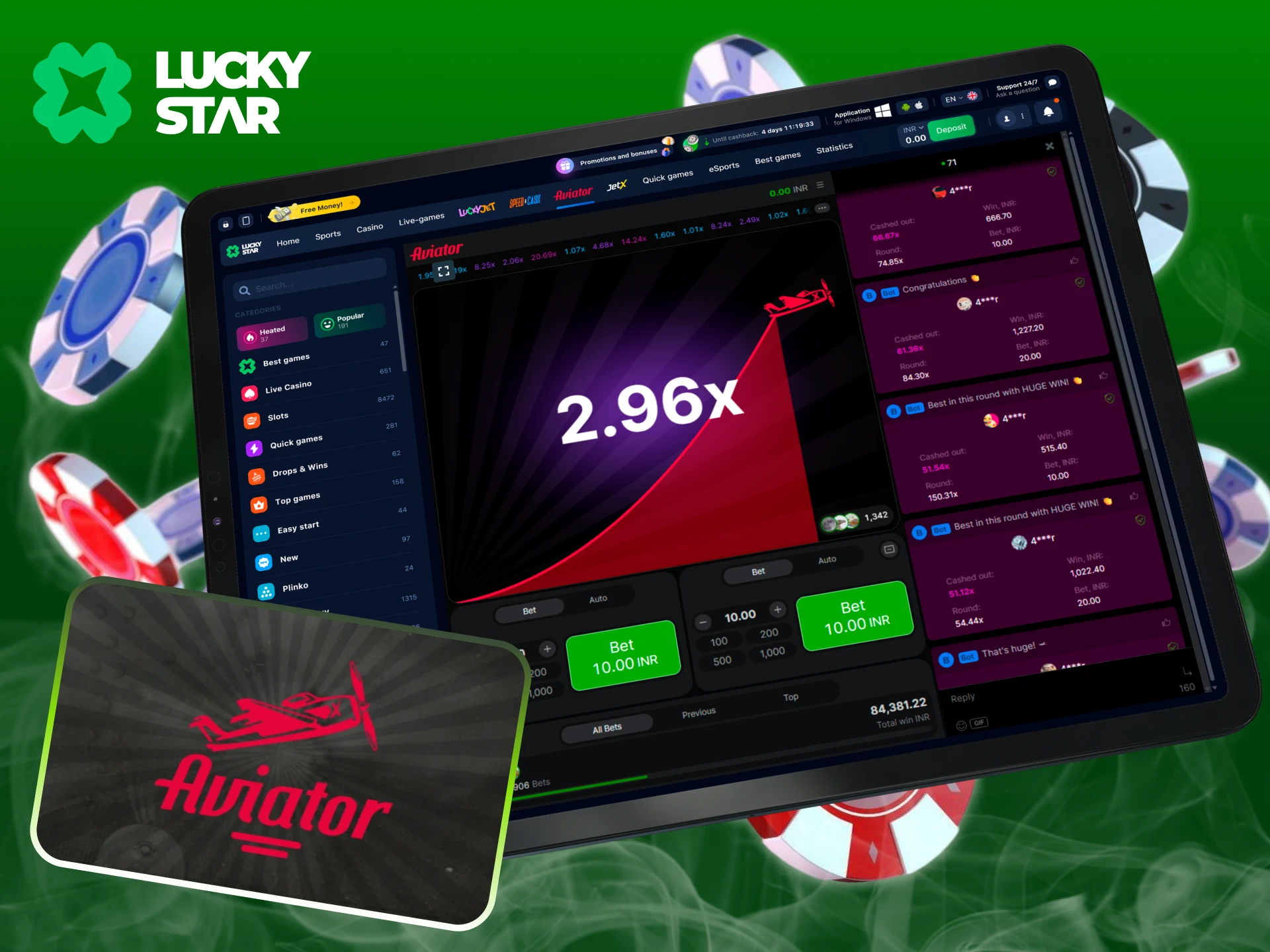
Lucky Star Aviator game is available exclusively in the official mobile app, ensuring easy gameplay and full security for Indian players. Follow these quick steps to install the app, set up your account in INR, and start playing safely.
- Download the official app. Go to the website on your mobile device and tap Download for Android (or add to Home Screen on iOS). This guarantees you get the latest and most secure version of Lucky Star App.
- Install and sign up. Allow installation (for Android), open the app, and create your account using your mobile number with OTP verification. Choose INR as your currency and enable PIN or biometric login for extra security.
- Make your first deposit. Open the Deposit section, select UPI, NetBanking, or card payments, and confirm the transaction. Deposits in INR are instant, so you can start playing right away.
- Launch Aviator and place your bet. Find Aviator in the Crash/Arcade section, enter your stake and tap Bet. Watch the plane rise and hit Cash Out at the right moment to lock in your winnings.
Lucky Star Aviator Game Mechanics?
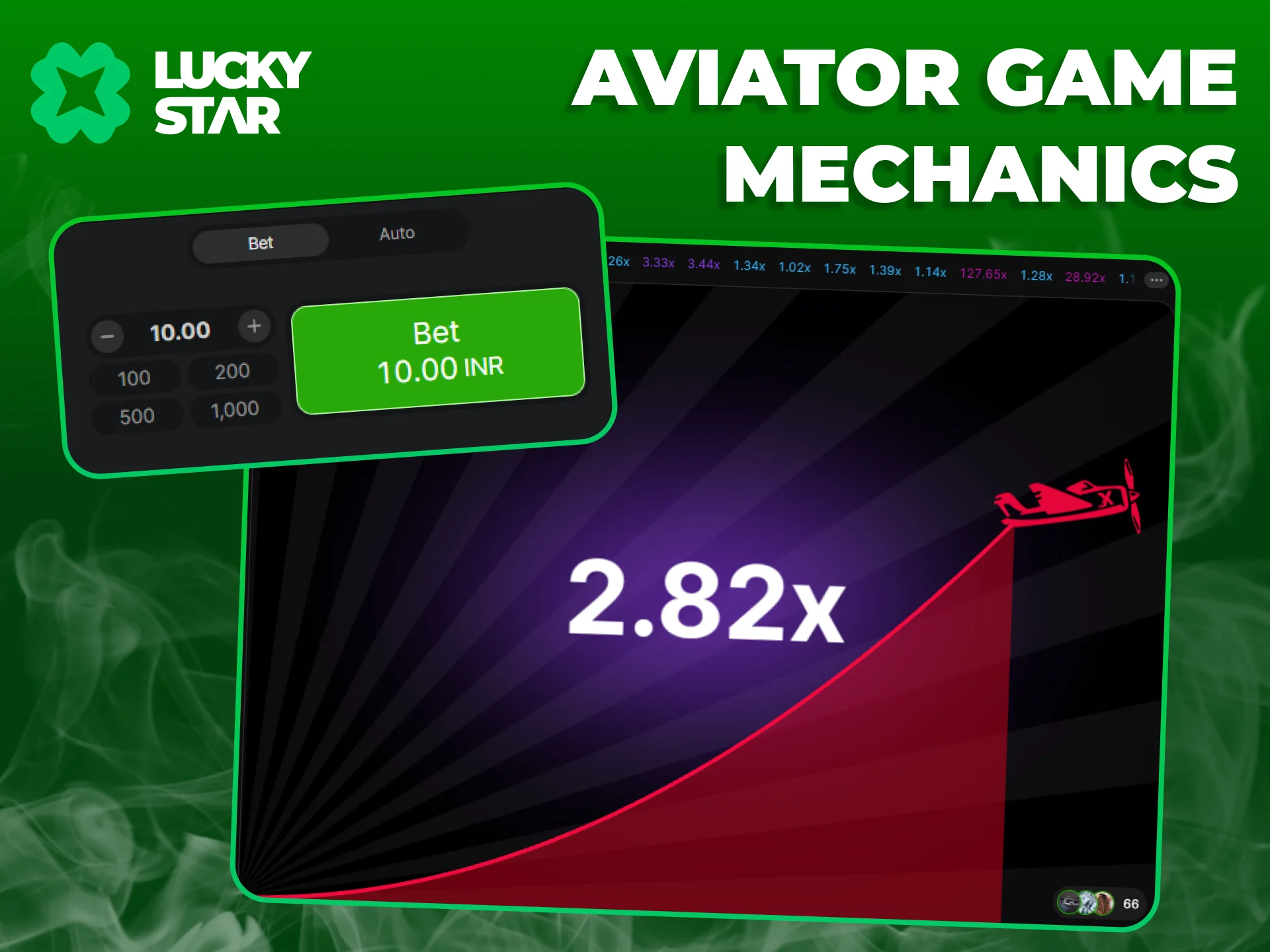
The gambling process within the Lucky Star Aviator App is straightforward. To begin with, the player opens the game, sets their stake amount, and then confirms their bet. Next, the plane takes off, and the multiplier starts to rise. The round can end at any moment. Players can also cash out their winnings at any time, but anyone who fails to do so before the end of the round loses.
Bonuses for Aviator App Users
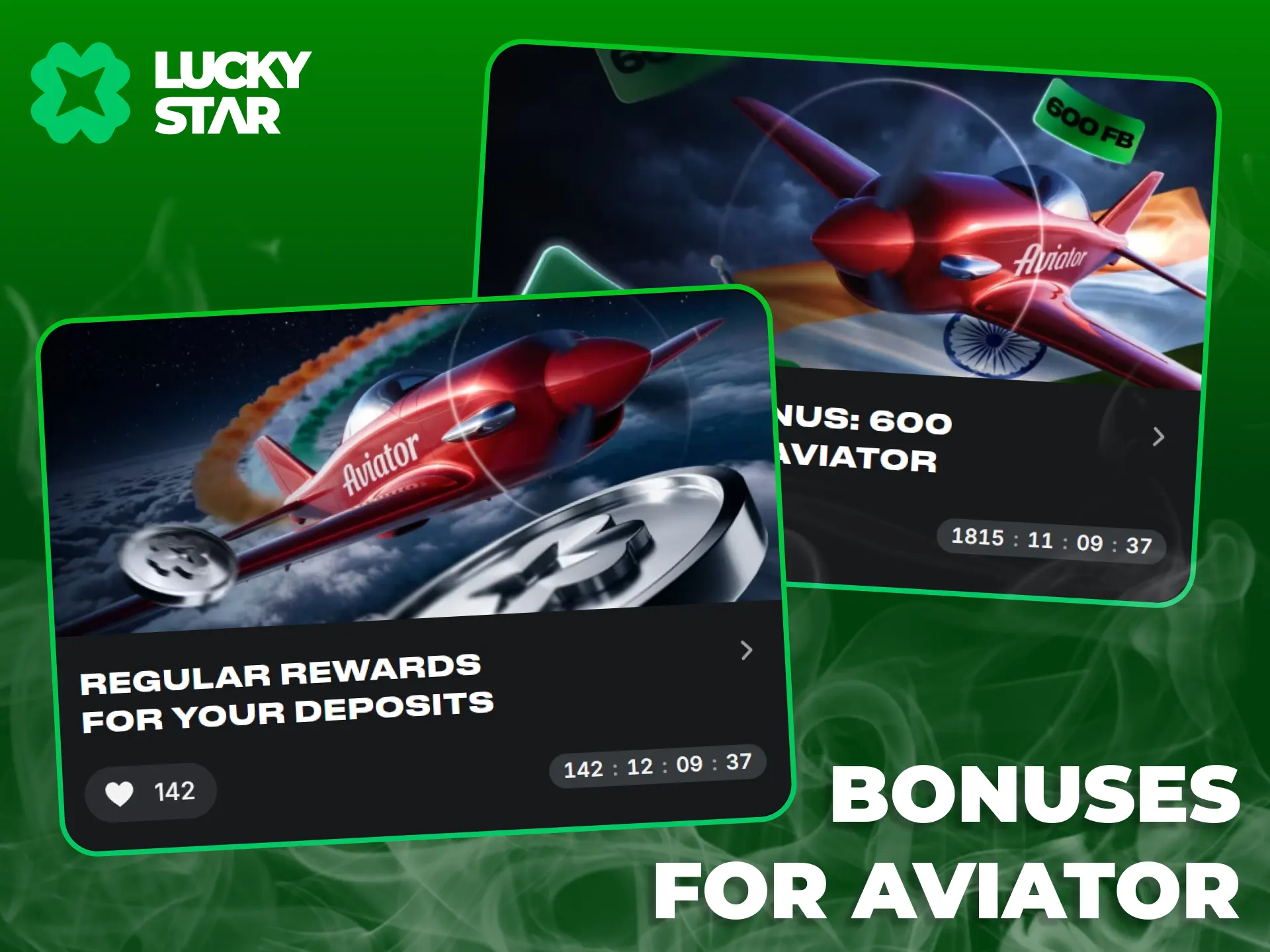
The Lucky Star app has launched a new bonus system packed with special rewards for all players to maximize their winnings. Here is what you can claim:
- Aviator Rewards: Play your favorite game and receive up to 30% in special rewards;
- Wednesday & Friday Reloads: Get 50 FB (available for Indian players with 5+ deposits and a minimum 300 INR deposit);
- Sunday Reload: Get a +50% deposit bonus up to 2,500 INR;
- Free Money: Earn free bonus points to exchange for unique rewards by installing the app or enabling notifications, and grab regular promo codes from the official social media channels.
Maximum winnings from these bonuses are 2,500 INR, and the final payout is capped at 1x the bonus amount. General terms and conditions apply.
Strategies to Win
Many players use strategies when playing Lucky Star Aviator. Players can find them below:
- The Stable Strategy. The player places a medium-sized bet and cashes out at odds of 1.5;
- The Double Bet. The player cashes out the first bet at odds of 1.3–1.5, and with the second bet takes a risk for bigger wins;
- Bankroll Management Strategy. The player bets 1%–3% of their bankroll each time;
- Martingale Strategy. The player doubles the stake after every loss and returns to the initial stake upon a win.
Remember, no strategy guarantees a 100% win. This is simply one of the gambling methods popular among players.
Playing on a Mobile Site
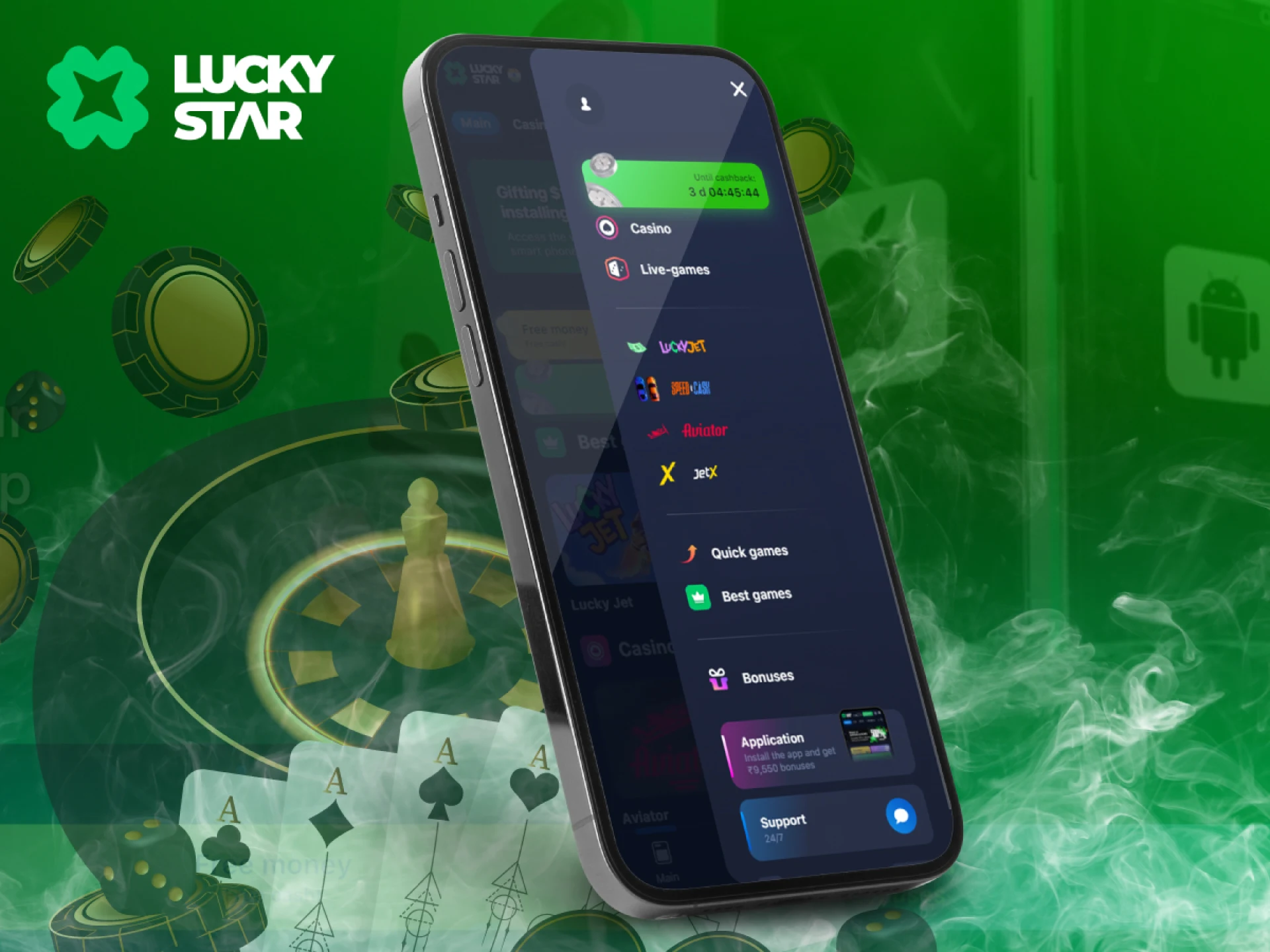
If for some reason you can’t or don’t want to download Lucky Star apk, use the web version to play. It works in your browser and has no minimum system requirements. All you need to play is the browser itself and a stable internet connection. To start playing in the web version of Lucky Star, follow three steps:
- Go to the official Lucky Star website in the browser on your mobile device.
- Go through the registration process or log in to an existing account if you have one.
- Open the cash register, select the deposit tab and deposit an amount of INR 300 or more.
Then you can go to the catalog of gambling games and launch any of them. Choose the bet size and start playing.
Differences Between the Website and the App
The game features and most of the functionality in the app and the Lucky Star mobile version are the same. They differ only in some features. Below we have presented the main advantage of each variant.
| App | Web version |
| Accelerated Interface | Does not need to be updated |
| Better Graphics | Does not take up memory space |
| Ability to Run via Shortcut | No technical requirements for the device |
| Pop-up Notifications | No download or installation required |
How to Update Lucky Star App to the Latest Version
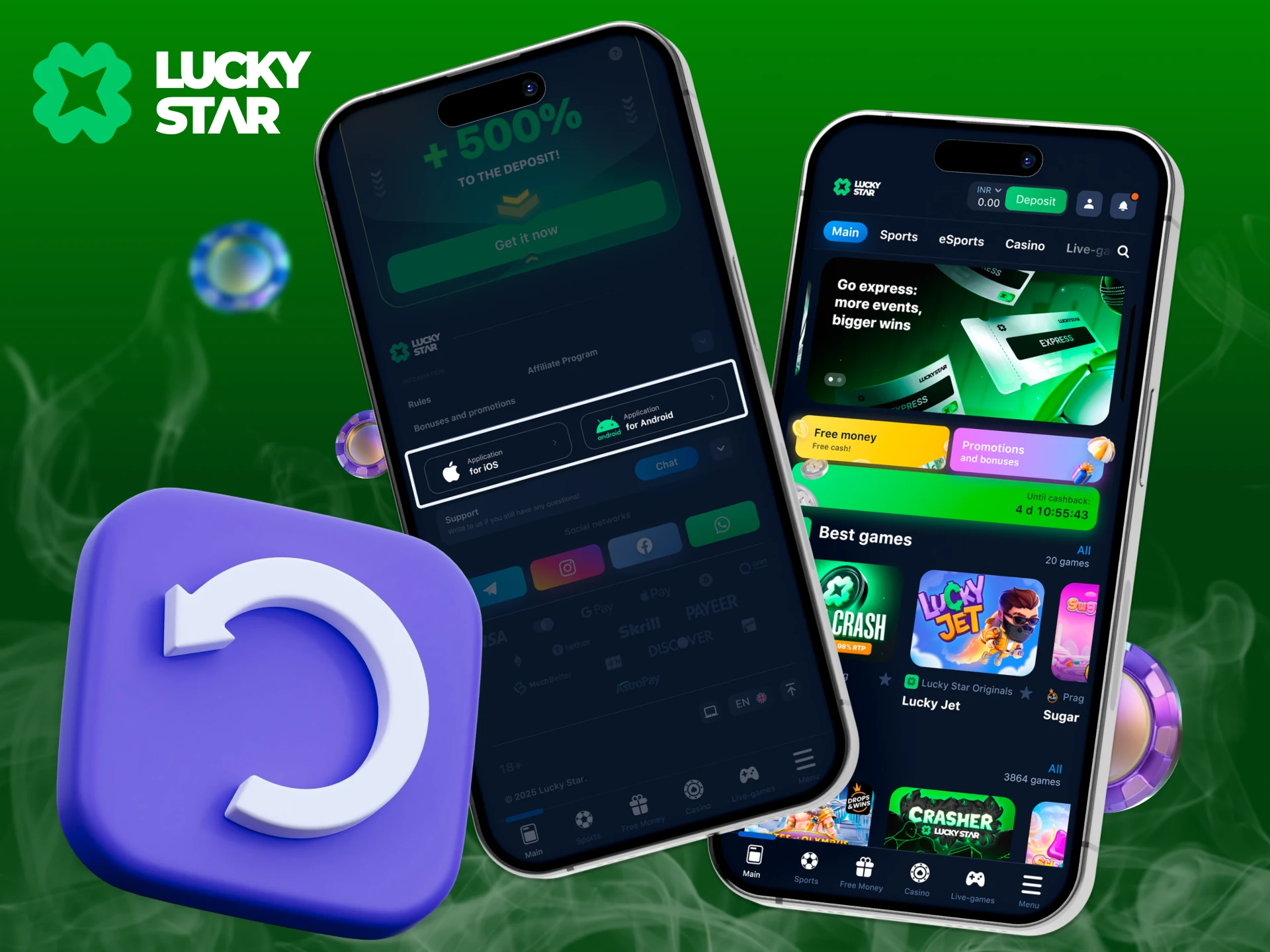
The Lucky Star App is built to keep you secure and up-to-date. On most devices the app updates automatically, so you always have the latest version with new features and bug fixes. If your app does not update on its own, you can easily install the newest version manually.
How to update manually:
- Visit the official Lucky Star website from your mobile device.
- Tap Download to get the latest APK (for Android) or refresh the PWA shortcut (for iOS).
Deposit and Withdrawal Via the App
The Lucky Star mobile app includes a cashier for deposits and withdrawals. After logging in, select a payment method, and complete the form. Popular payment systems and flexible limits are supported.
| Payment System | Minimum deposit, INR | Maximum deposit, INR |
| UPI | 300 | 100,000 |
| UPI Short | 300 | 100,000 |
| Phone Pe | 300 | 100,000 |
| PayTM | 300 | 100,000 |
| GPay | 300 | 100,000 |
| Bank Transfer | 300 | 100,000 |
| Moneygo Voucher | 300 | 100,000 |
| Crypto | 2,800 | 100,000,000 |
The minimum withdrawal of funds is 1,200 INR. Winnings can be transferred using IMPS, as well as cryptocurrencies. Lucky Star does not charge any transaction fees.
Deposits are credited within a minute after transaction confirmation at the cash desk. Withdrawal of funds takes up to 6-8 hours.
Features of the Mobile App Lucky Star
Variety of gaming opportunities is one of the top priorities for the platform. New slot machines are constantly being added to the lobby and offering a choice of more than 9000 games like Lucky Star Aviator, slots, and more.
Slots
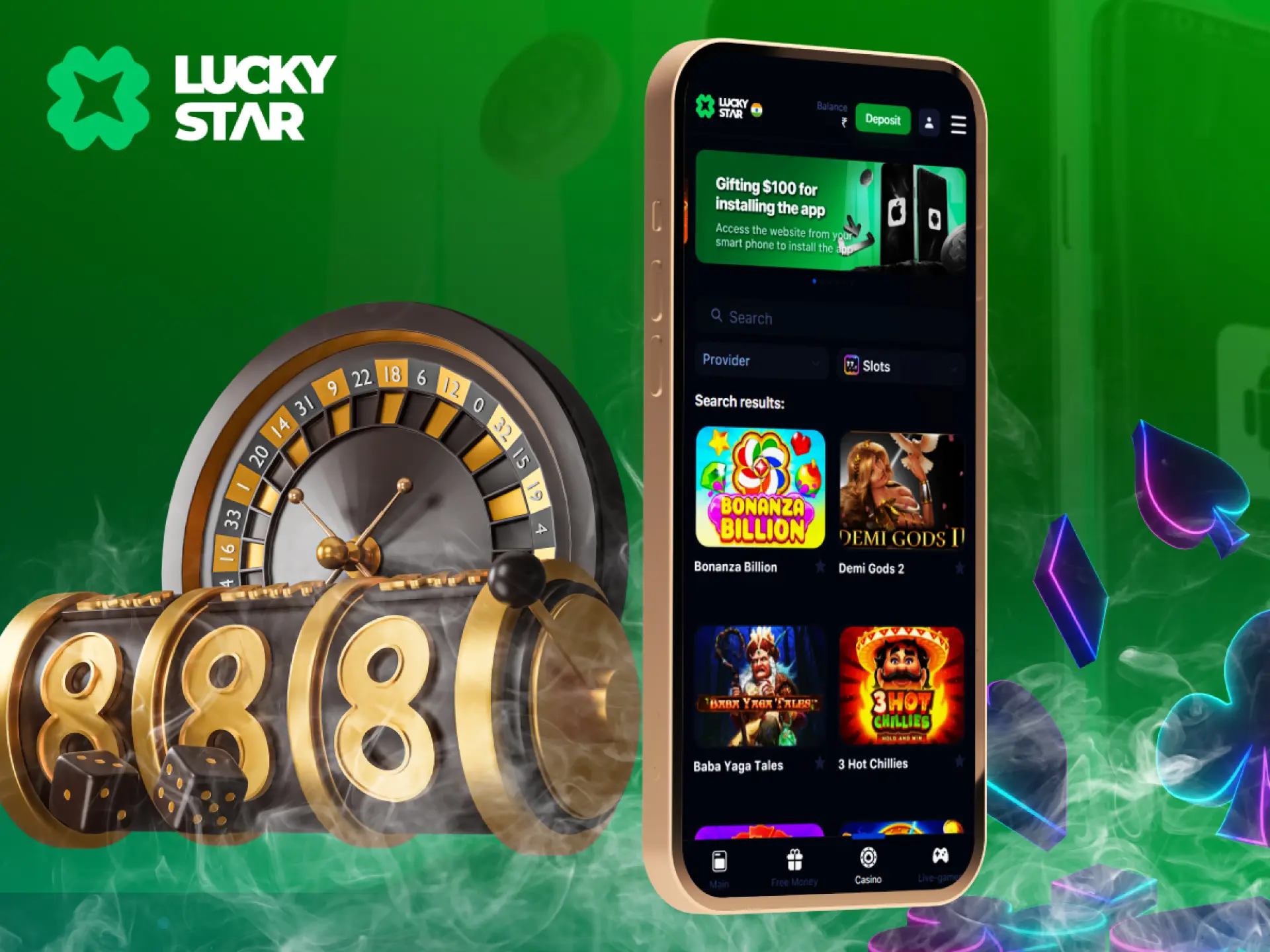
This category of games is the most numerous. Thousands of slots of different themes, types and genres are available in the Lucky Star casino apk on Android and iOS. This and classic slot machines with the accrual of payouts for paylines. And more modern developments with a combination of dozens of different mechanics. In slots from you will not require any skills. Just make a bet and wait for the results of the rotation. They will be determined by a random number generator.
Board Games

Another extensive category of games that includes both classic and Asian disciplines. Before the download Lucky Star game, app offers American, French and European roulette, American and European blackjack, craps, poker and video poker, and baccarat. Andar Bahar and Teen Patti, popular in India, are also available.
Live Dealers
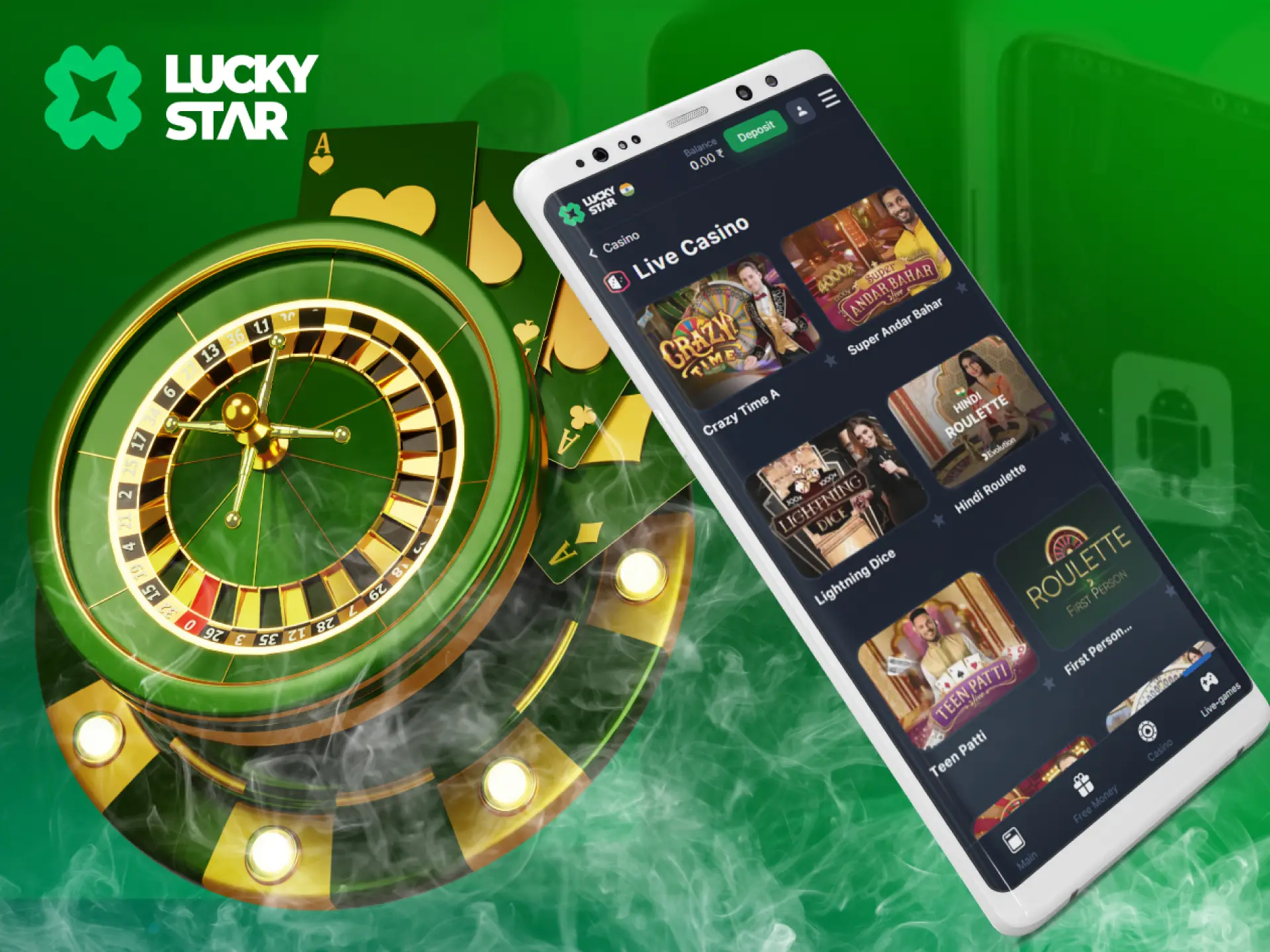
If you’ve always wanted to visit a real land-based casino but couldn’t afford it, check out the Live section. Dozens of live games will be waiting for you here. They are held live from the studios of providers. And instead of a computer opponent, you will face a real croupier. You will be able to watch him live and even chat with him.
App Safety and Security
At Lucky Star, your protection and fair play are prioritized. The platform operates under a Curaçao eGaming license, ensuring compliance with international iGaming standards. All transactions and personal data are safeguarded with 128-bit SSL encryption, while the Lucky Star Aviator India and other titles use an RNG certified by iTech Labs, guaranteeing transparent outcomes. To support responsible gaming, easy-to-use tools are provided directly in the app, including deposit limits, a 24-hour timeout option, and self-exclusion for longer breaks. With these measures, you can enjoy Aviator and other games with complete confidence in both safety and fairness.
FAQ
How Do I Use the Lucky Star Mobile App?
To start playing in the Lucky Star mobile app you need to download and install it according to the instructions on this page. Then launch the application and log in to your account. Next, make a deposit. When the money is credited to your balance, you can start playing.
How do I download the Aviator game APK from Lucky Star?
Just download the Lucky Star APK file and install it — the Aviator game is available inside the app.
There’s a Cashback?
Yes, this is a bonus for regular players. You can receive regular cashback up to 30%. It is calculated on the amount of net losses.
How Do I Specify a Promo Code?
It can be entered into the corresponding field in the registration form at the stage of account creation.
How Do I Update the App?
If the Lucky Star mobile app requires an update, you will know about it after you launch it. To install the update, simply confirm it. Everything else will happen automatically without your involvement.
Can I play Aviator on the Lucky Star app?
Yes! Once you download the app, you can access the Lucky Star Aviator game instantly.
Updated:
Comments